Billing migration went live. Which customer settings got lost?
Abundance Energy, a Texas electricity provider, moved every account to a new billing system and then listed six problems on a public status page, from autopay shown as on when it was off to balances that did not transfer. A before-and-after of one setting, and what to check before you cut over.
On 1 November 2026 Abundance Energy, a retail electricity provider in Texas, posted a status page that opens with an admission: it had moved every customer account to a new billing and account system, and “it hasn’t gone the way it should”1. It lists six open problems. Some payments were failing or posting late. Some account history and balances had not transferred, so some bills were wrong. Every customer needed a password reset, and some could not finish it. Call waits were long. The company said it had not given customers enough notice1.
It also suspended late fees and disconnections for nonpayment while it fixed the problems1. That is the cost of a migration in one sentence: the company chose to stop collecting on its own bills because it could not be sure what they should say.
What is the autopay problem?
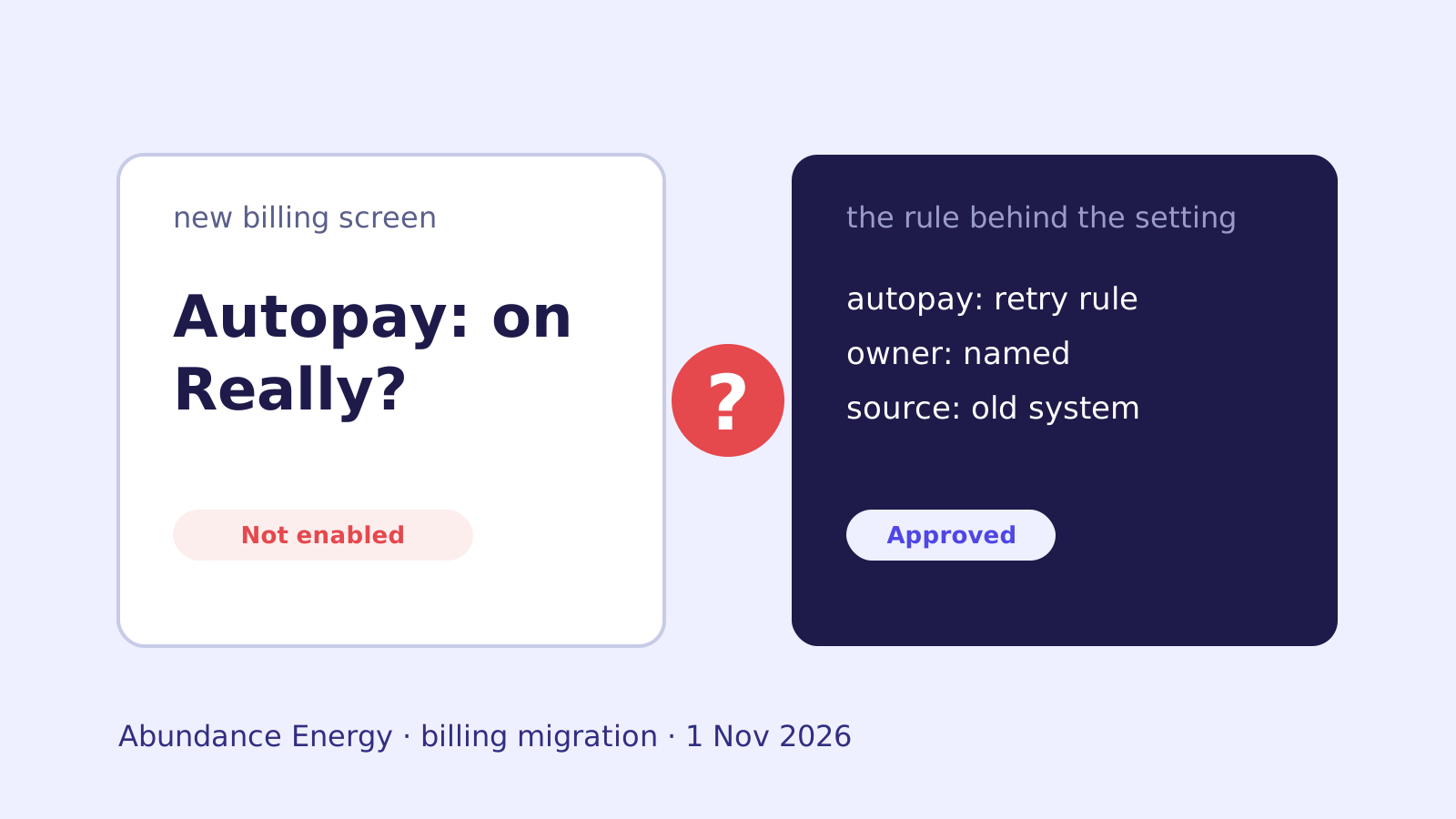
For some accounts the new system displayed autopay as on when it was not enabled1. The company says customers who were not on autopay before were not enrolled, and those who were stayed enrolled. The screen was wrong, not the enrollment1.
Read it as a customer would. A person who sees “autopay: on” stops watching the due date. If the screen is wrong, they pay late, through no fault of theirs. Whether the setting was moved correctly matters less to them than whether the screen can be trusted.
Before and after: one setting, two systems
Take autopay in the old system. Somewhere it holds more than a yes or no:
| Old system | New system, if nobody asked | |
|---|---|---|
| Enrolled? | Flag on the account | Imported, or displayed from a default |
| Which payment method? | Linked to the flag | Separate record, may not map |
| What happens on a failed draft? | A retry rule, a notice, a late-fee waiver | Whatever the new system’s defaults are |
| Who set the retry rule, and why? | Someone, years ago | Unknown |
The first row is the one teams test. The last three are rules the old system applied without anyone listing them. Abundance’s account does not say which of these failed, and we do not know. The point is that the rows a status page ends up describing are usually the ones nobody tested.
Which settings should you check before cutover?
Run this against any customer-facing billing, subscription or account system you are about to replace:
- List every setting a customer can turn on or off. Autopay, paperless, reminders, payment plans, holds, exemptions.
- For each, name what the old system does when it is on. Retries, grace periods, waived fees, notices.
- Find the owner of each behavior. A named person who can say what it should do on the new platform.
- Compare what the screen shows with what the engine will do. Abundance’s autopay case was exactly this gap1.
- Decide the rule for the day it breaks. Abundance’s “no late fees, no disconnections” was a decision made in public after the fact. Make it a written rule before.
- Say who explains it to customers. Call volume was one of the six problems1. Support needs the rule, not a script.
How does AppThentic fit into a migration like this?
om reads the old billing system together with the documents, tickets and chats around it, and builds a migration list of every business rule it finds, each with its reason, owner and status. Autopay retries, grace periods and fee waivers come out as rules on that list, not as lines of code someone must remember to look for.
Where a rule is approved, it moves as it is. Where a rule is stale, om asks its owner whether to retire it. Where nothing written down explains a rule, om asks the person most likely to know, starting with rules that touch money, dates and customers, and keeps the approved answer in Organization Memory with its source. Your team ports from that list, and the decision on every rule that was moved or dropped is kept with who made it.
After go-live the answers stay with the team that runs the new platform. A support lead can ask om in chat what happens when an autopay draft fails, and get the rule, its owner and its status. See Legacy migration.
What should you do this week?
If a billing or account cutover is on your calendar, pick the one customer setting that would hurt most if it were wrong, and trace it end to end: screen, engine, notice, fee. Put a name next to each step. Whatever you cannot name is what a status page will describe later.
To see this on your own systems, book a walkthrough.
Sources
- Abundance Energy, Service status: where things stand (last updated 1 November 2026)